pomobar
ShippedA macOS menu-bar Pomodoro timer that logs every focus session to Notion.
ElectronReactTypeScriptViteTailwind CSSNotion API
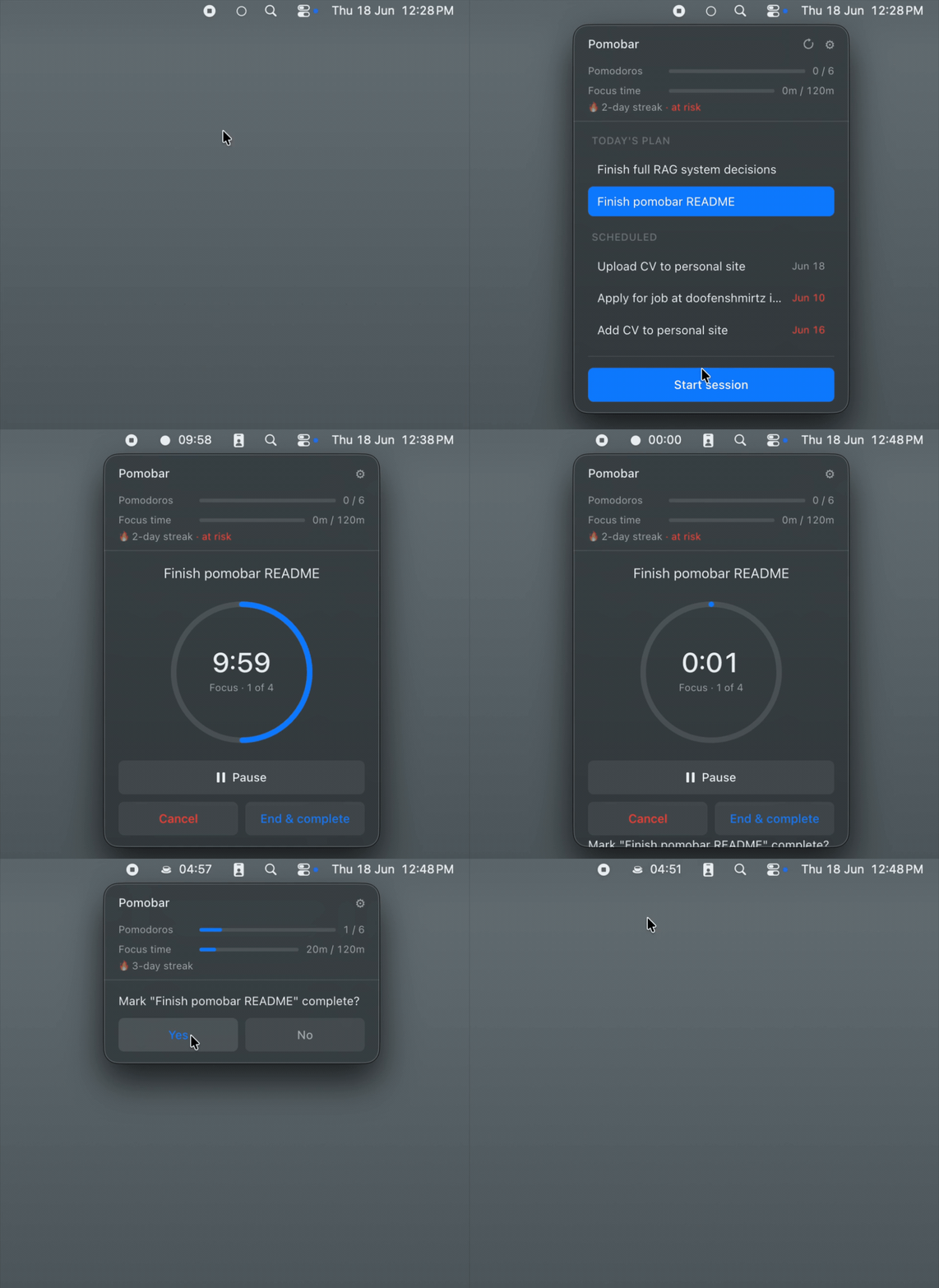
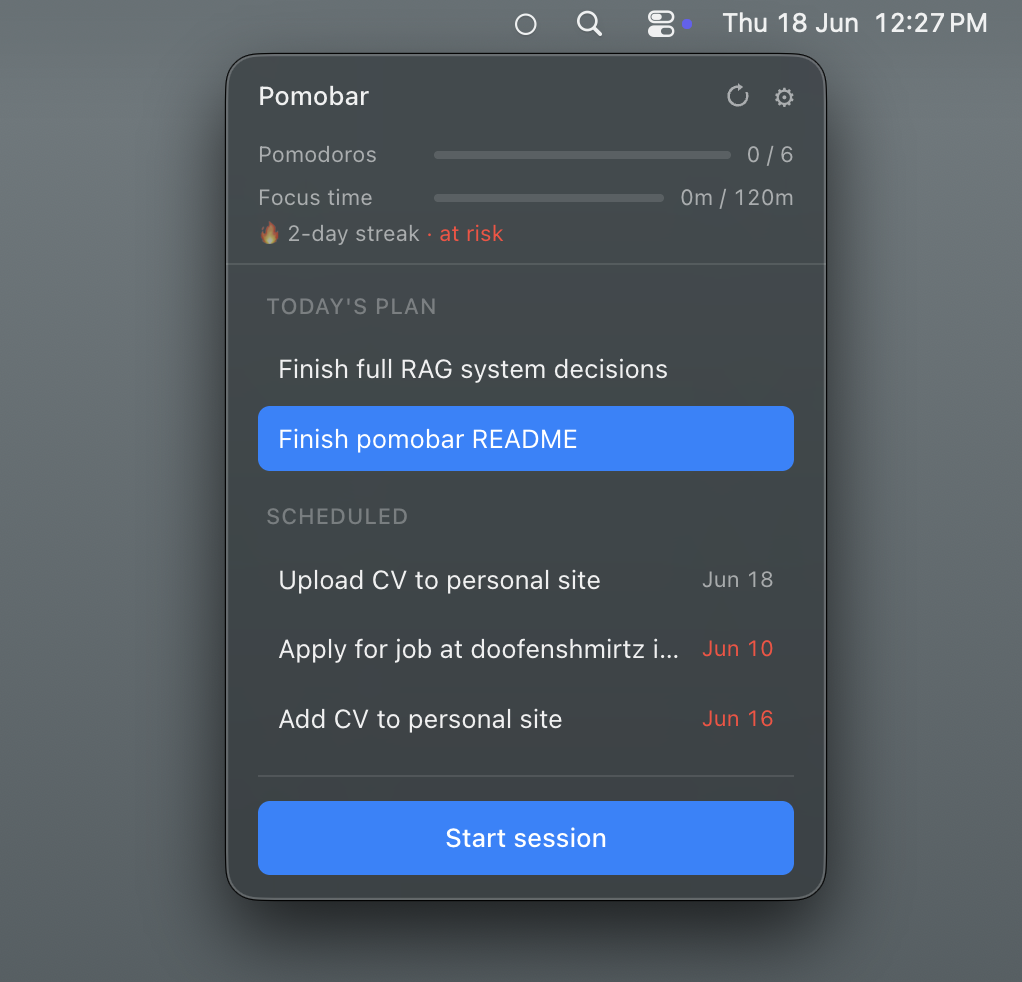
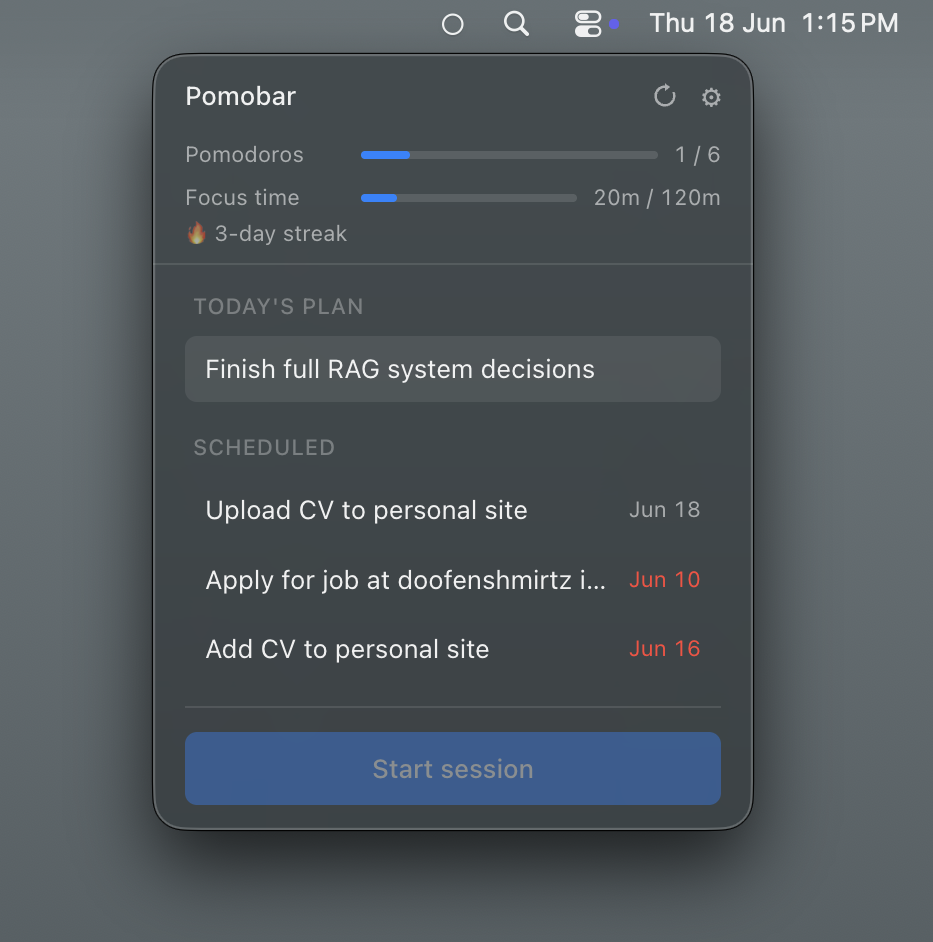
pomobar lives in the macOS tray — no dock icon, no window to manage — and pulls the day’s scheduled tasks straight from a Notion database, so the timer and the real to-do list are the same thing. Every completed session is written back to Notion as an honest record of where focus time actually went.
Highlights
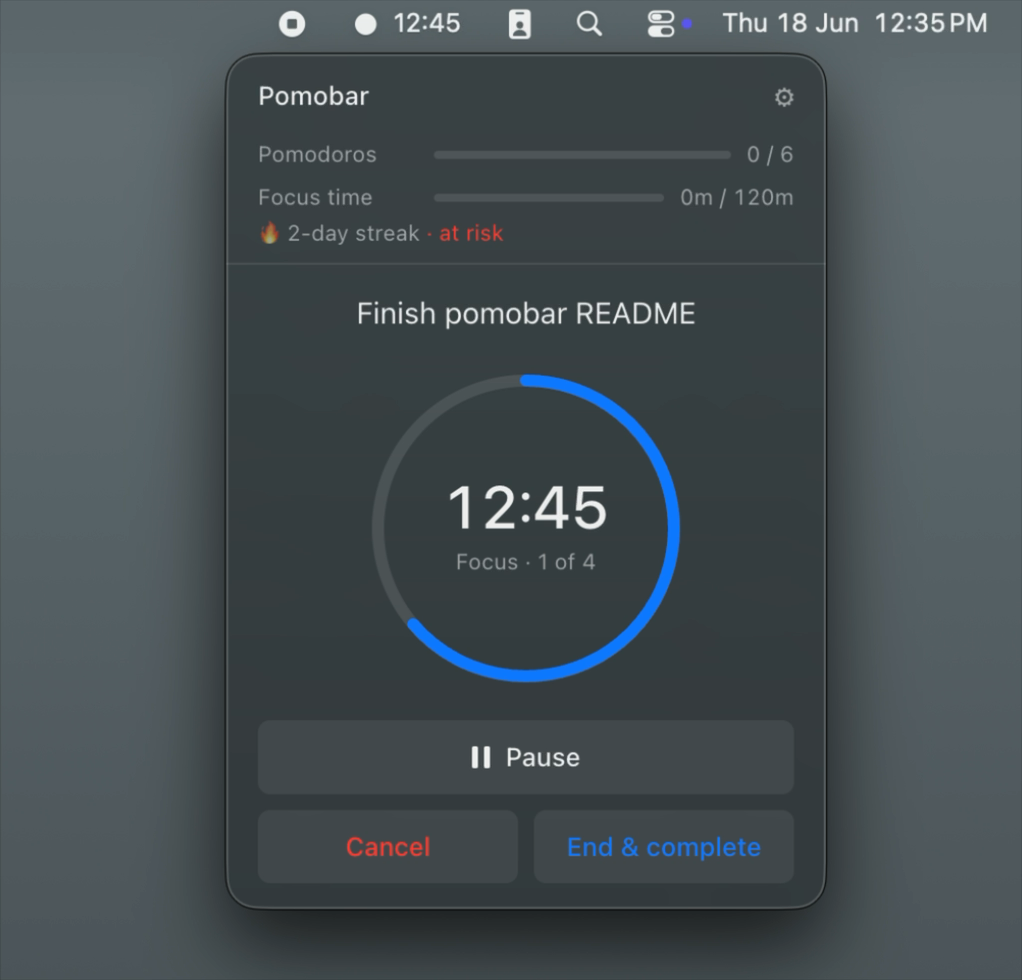
- Menu-bar popover UI with configurable focus / short-break / long-break durations and pomodoros-per-cycle.
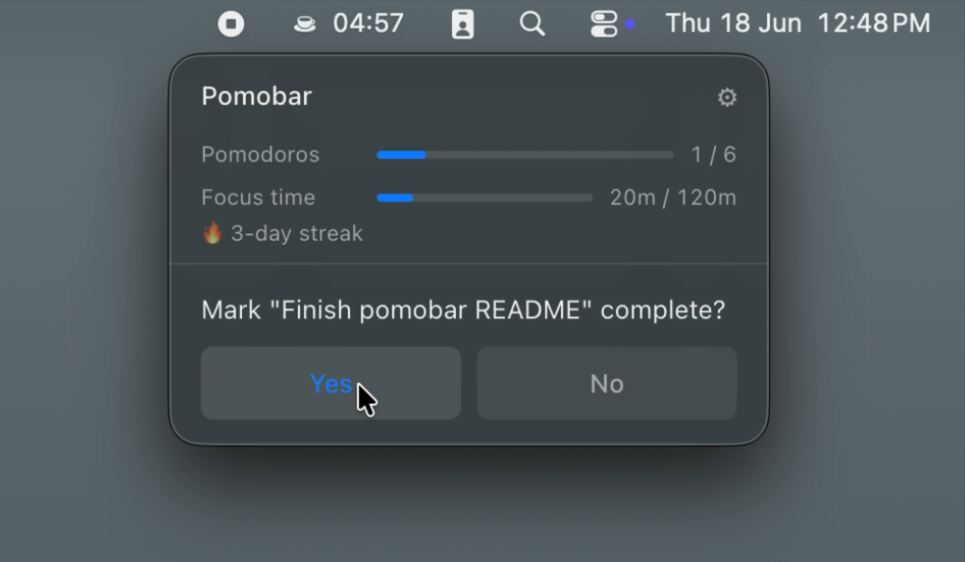
- Two-way Notion sync — starts focus sessions against scheduled tasks, marks them done, and logs every session to a sessions database.
- Local-first writes: sessions hit disk before the network, so a flaky connection never loses data.
- Crash recovery — in-progress sessions are persisted on every transition and restored on relaunch.
- Daily planning, goal tracking with streaks, native completion banners, and an optional Discord webhook.
Why it exists
Every other timer I tried was a silo — you’d finish a session and the data died with it. pomobar reads the day’s scheduled tasks from Notion, times the work against them, and writes each completed session back as a record I can review later. The timer is the logging tool.
Screenshots